Know which network is better.
See the average speed, latency and packet loss of each network over the last day, the last week, or everything saved. The better value in every row is marked.
 switcheroo
Questions
switcheroo
Questions
Switcheroo tests your 5G and 2.4G networks in the background and moves your PC to the better one. Free for Windows 10 and 11.
First, it measures every 30 seconds.
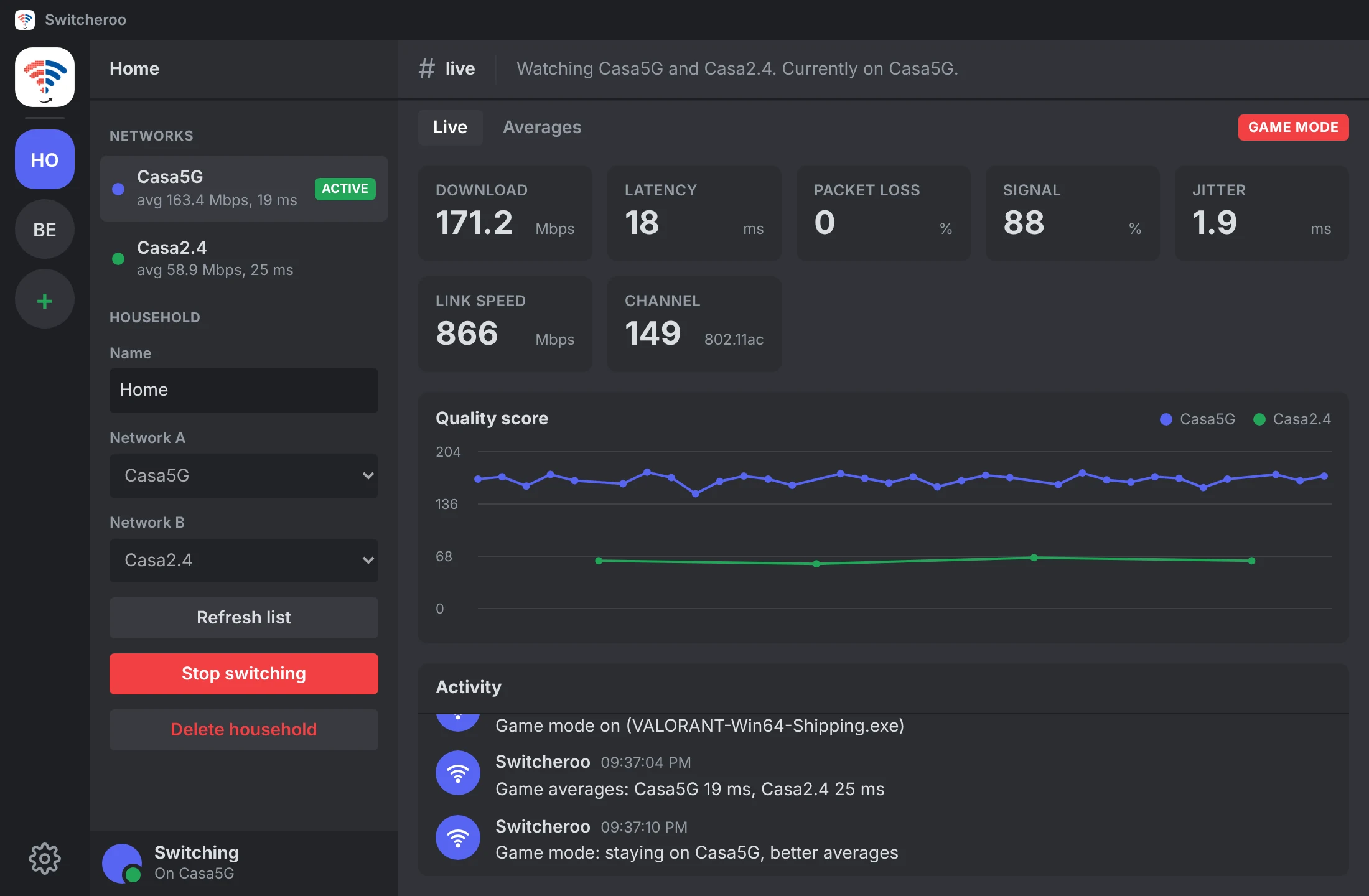
Speed, latency and packet loss on the network you are on, combined into one score.
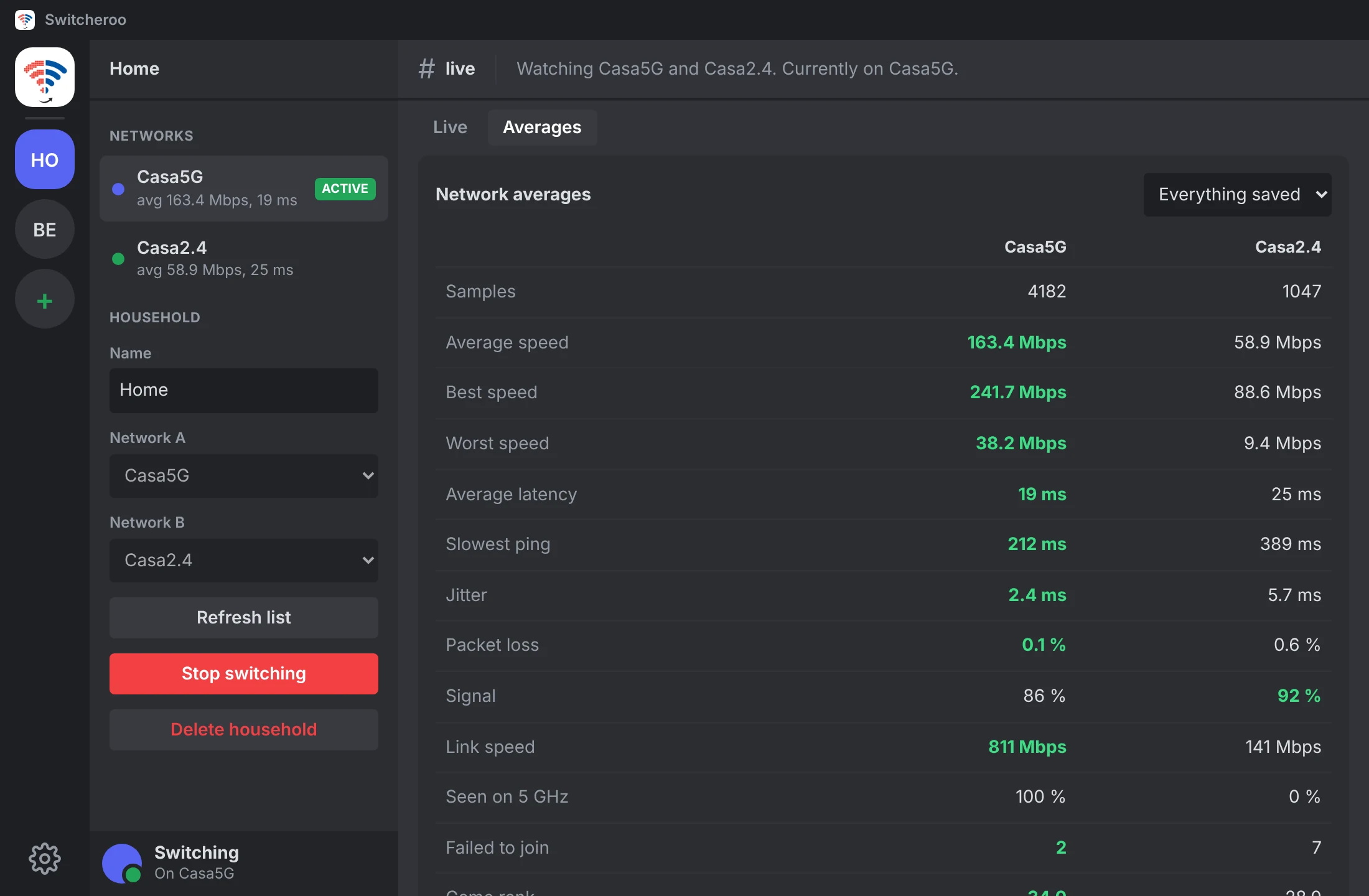
See the average speed, latency and packet loss of each network over the last day, the last week, or everything saved. The better value in every row is marked.
When a game opens, Switcheroo moves you once to the network with the better averages, ranked by latency and packet loss. While you play it only pings, so it never adds lag and never hops mid match.
Detected by name: Valorant, Counter-Strike 2, Fortnite, League of Legends, Dota 2, Rocket League, Overwatch, Apex Legends, GTA V, Rainbow Six Siege, Elden Ring, Destiny 2, PUBG, Warframe, Cyberpunk 2077, Rust, Genshin Impact, World of Warcraft, Final Fantasy XIV, Roblox, Marvel Rivals, Deadlock, EA Sports FC, Helldivers 2, Battlefield, Call of Duty, Escape from Tarkov and more. Add any other program yourself.
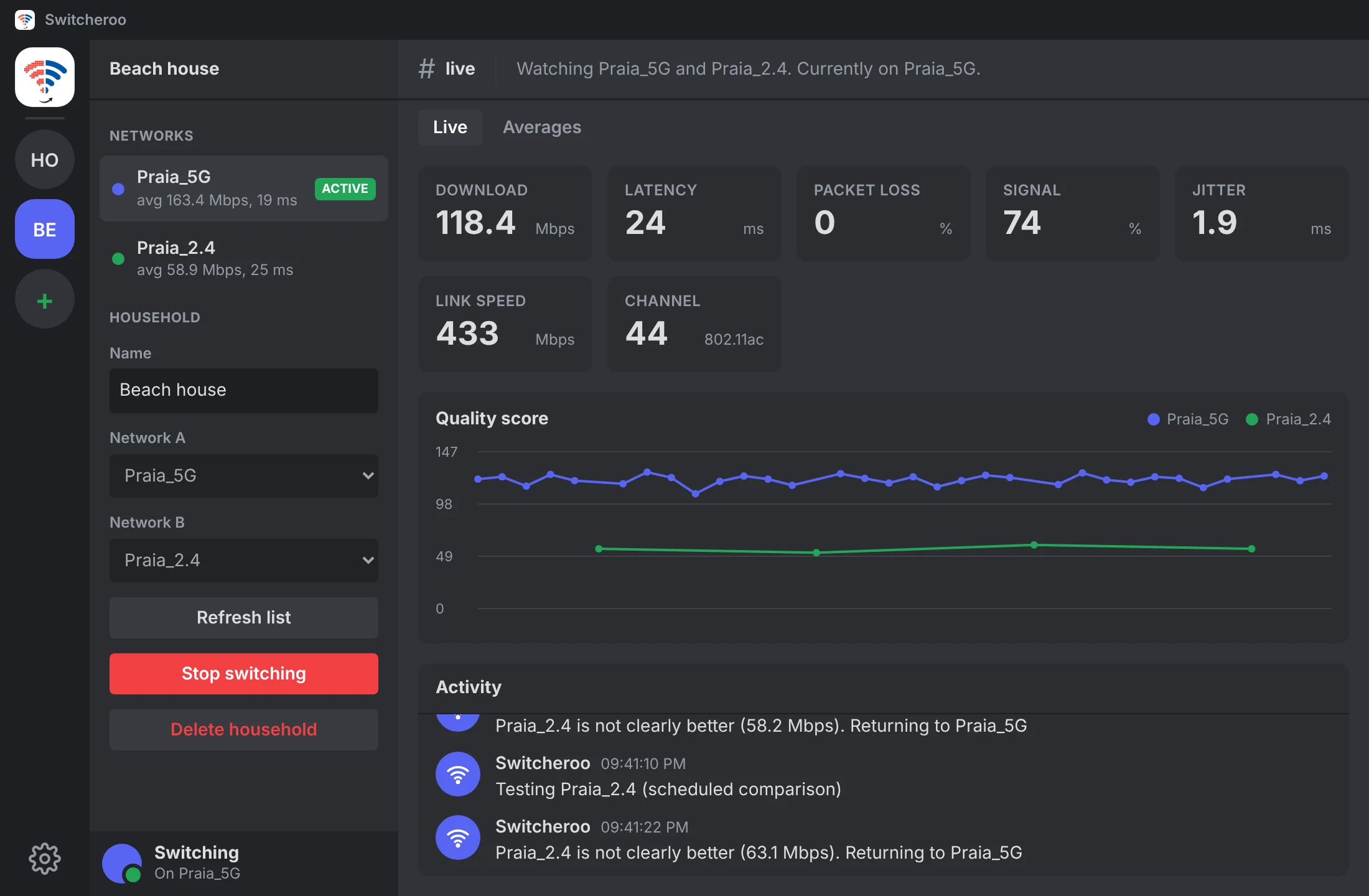
Add a household for each place you live, each with its own 5G and 2.4G pair. When your PC joins a network from another household, Switcheroo follows by itself.
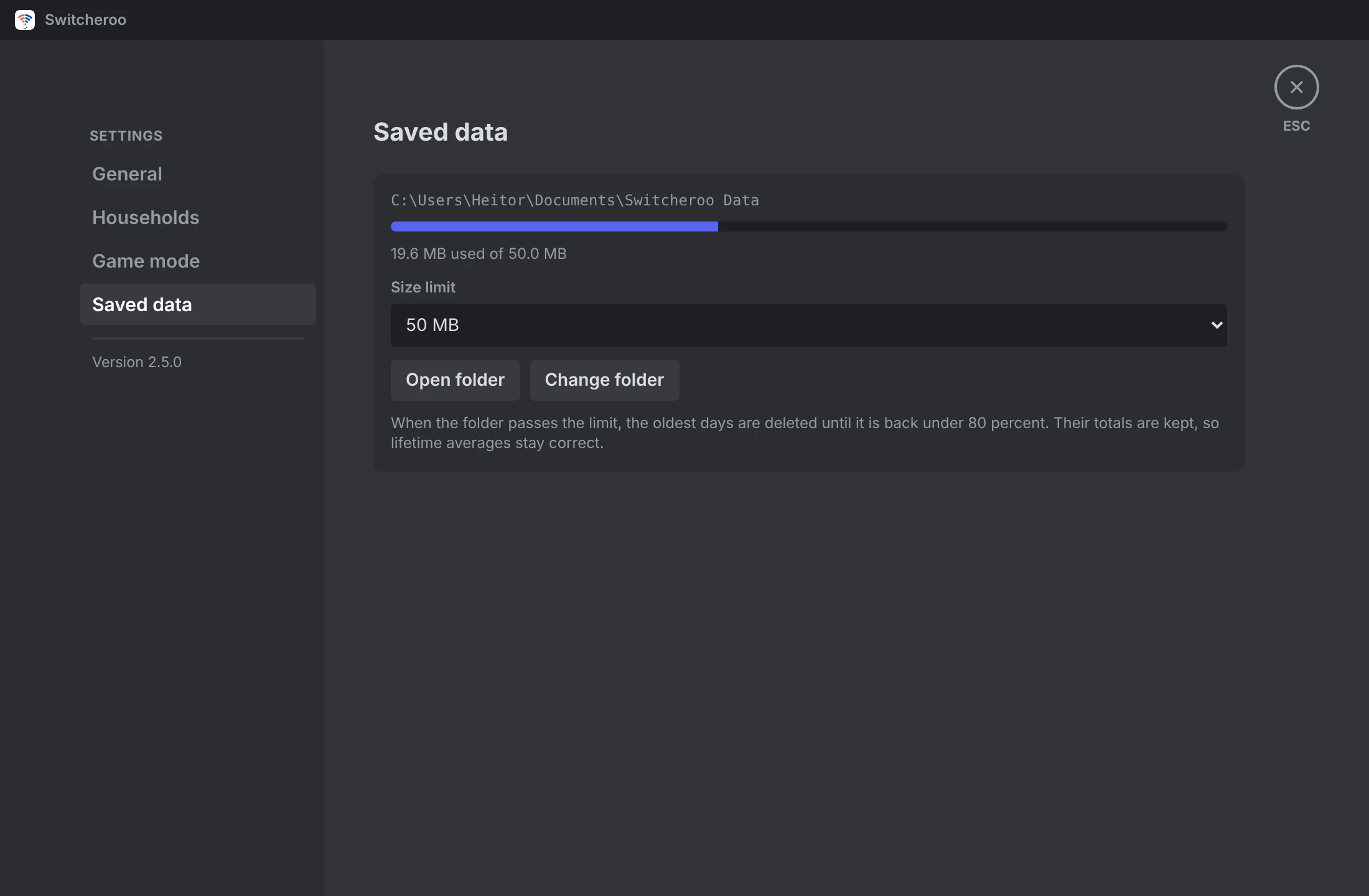
Every measurement is saved to a folder you choose. Past the size limit the oldest days are deleted and their totals kept, so averages stay right.
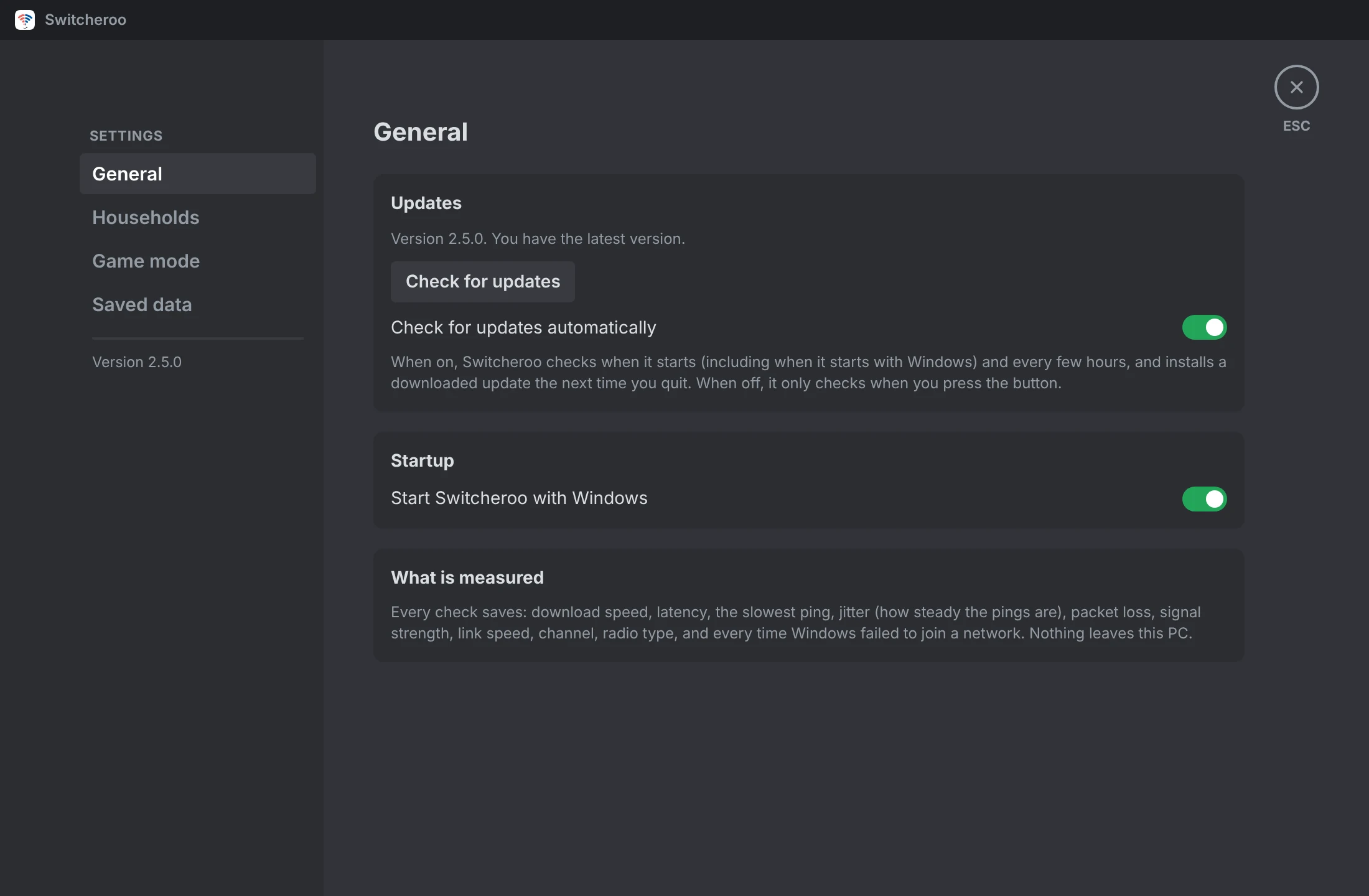
New versions download quietly from GitHub and install the next time you quit. You never hunt for an installer twice.
Yes. Connect to each one once, then pick them in the app.
Your PC has one Wi-Fi adapter, so it can only be on one network at a time. Every 4 minutes it hops to the other network for a few seconds to test it, then returns unless the other one is clearly better. In game mode it does not hop after the first choice.
About 2 MB every 30 seconds for the speed check, from Cloudflare. Game mode only sends small pings.
Pings to Cloudflare and Google DNS, the 2 MB speed download from Cloudflare, and a check for new versions on GitHub. Your measurements stay on your PC.
The installer is not code signed yet, so SmartScreen may ask you to confirm. The full source is public on GitHub if you want to check it.
No. It is free and open source under the MIT licence.
Press Stop switching in the app, or pause it from the tray icon menu.
Download the installer, pick your two networks and press Start switching. It lives in the tray from then on.
Or with winget: winget install hzurmely.Switcheroo
On a Mac? Try the test build, still a work in progress.
 New household